

Contact
If you have any further questions about this or any other section of Bayer Identity Net, please contact:
Health for all, Hunger for none

If you have any suggestions or questions on how we can improve this site for you, you can leave a message above or send an email to:

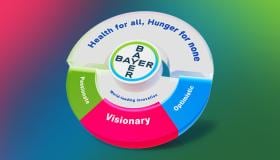
The Bayer brand is our most valuable intangible asset, expressing who we are and what we stand for.
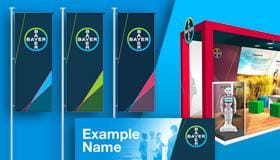
Unleashing our brand's full potential takes a consistently applied visual, verbal, sonic, and spatial stakeholder experience. Discover how you can bring the Bayer brand to life with our holistic brand identity.
Welcome to our Brand Academy.
This is a place, where you'll find essential educational content focused on increasing brand value and leveraging AI to enhance our brand strategy.

Where to find numerous license free media assets

Details of access and a change of password for external users and the news archive.
If you have any further questions about this or any other section of Bayer Identity Net, please contact: