



How to Create On-Brand Designs with Canva

Have you ever found yourself staring at a blank canvas, unsure of how to bring your ideas to life while staying true to our brand? Have you ever faced the challenge of creating designs that reflect our brand identity while working within budget constraints? Are you creating designs on your own with Canva or another design tool and are wondering how you can stay brand consistent with your designs? No worries, we got you!
Getting Started with Canva
Canva is an online graphic design platform that allows users to create a wide variety of visual content, such as social media graphics, presentations, posters, and videos without needing a design background.
We know that across the company, many colleagues are using Canva to create professional designs quickly and easily. The platform offers a variety of templates tailored to different needs, from social media posts to presentations. This makes it easy for anyone to jump in and start designing right away.
But we don’t simply want to create any possible design available – we want to create designs that reflect our brand identity and look and feel like Bayer!
Creating Designs that look like Bayer
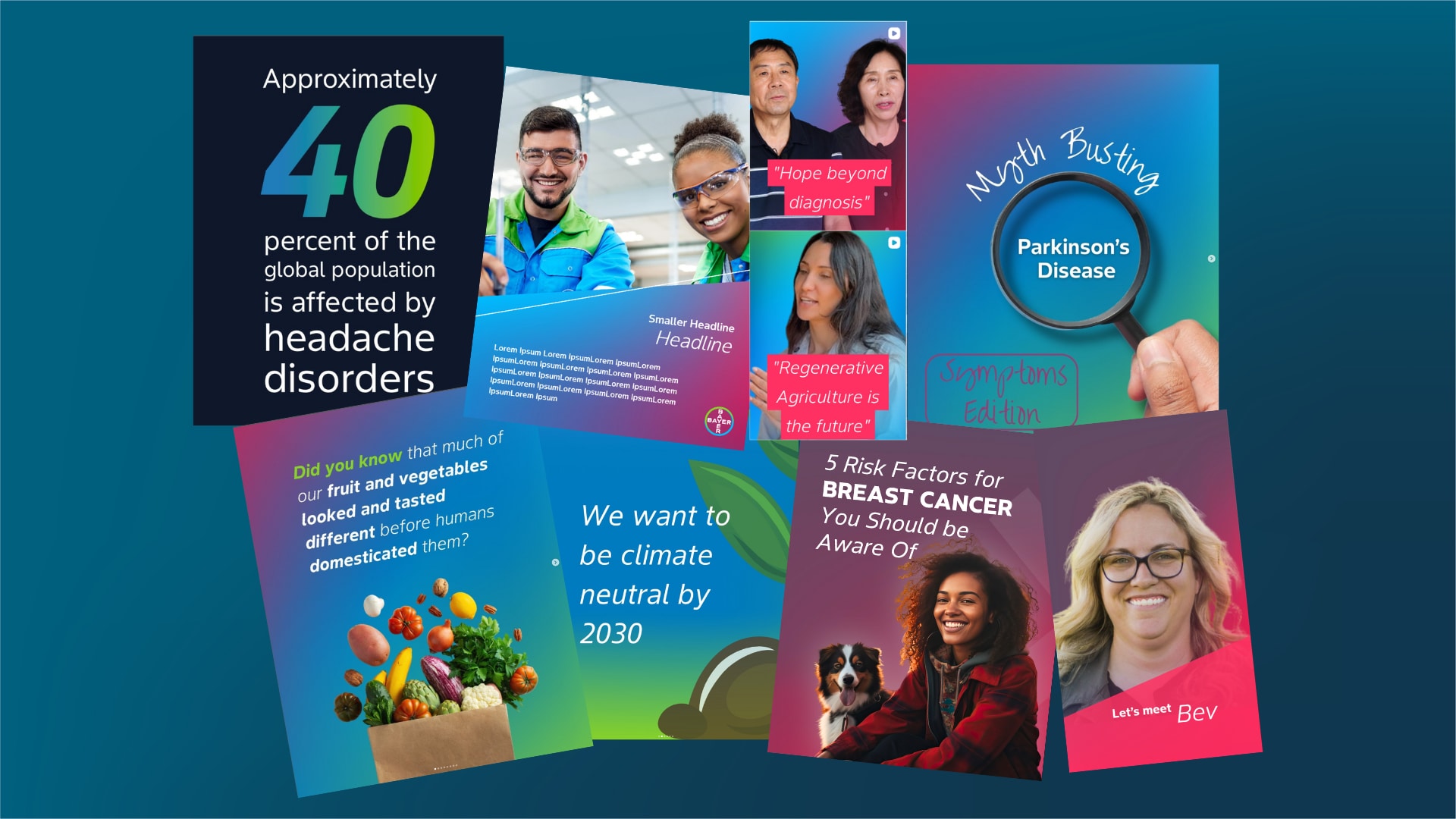
So, how do we do that? Canva is a great tool, but it brings the risk of giving your creative spirit too much freedom and creating designs that don’t reflect our brand identity. While Canva is a helpful tool, it’s essential to remember our brand identity as a consistent execution drives brand value, trust and recognition. Please always refer to Identity Net for our brand guidelines, which include our colors, gradients, fonts, graphic device and logo usage.
But the good news is: If you have a Canva Pro or Enterprise license, the tool allows you to upload these elements into a Brand Kit, ensuring that your designs remain consistent with our brand. But don’t worry – if you can’t purchase a license, this “Canva Guide brand Evolution Templates PDF” can help you access branding elements.
Ingredients of a Brand Kit
How to create a Brand Kit? The ingredients stay the same, whether you’re setting up a Brand Kit to reflect our Bayer Brand Identity or one of the brands you’re responsible for. With a Canva Pro or Enterprise license, you can simply create a Brand Kit that will help you create on-brand designs quickly. If you’re working with other design tools, the same logic applies and you can create Brand Kits with the same ingredients that can enhance your workflow and help you save time and stay on brand.
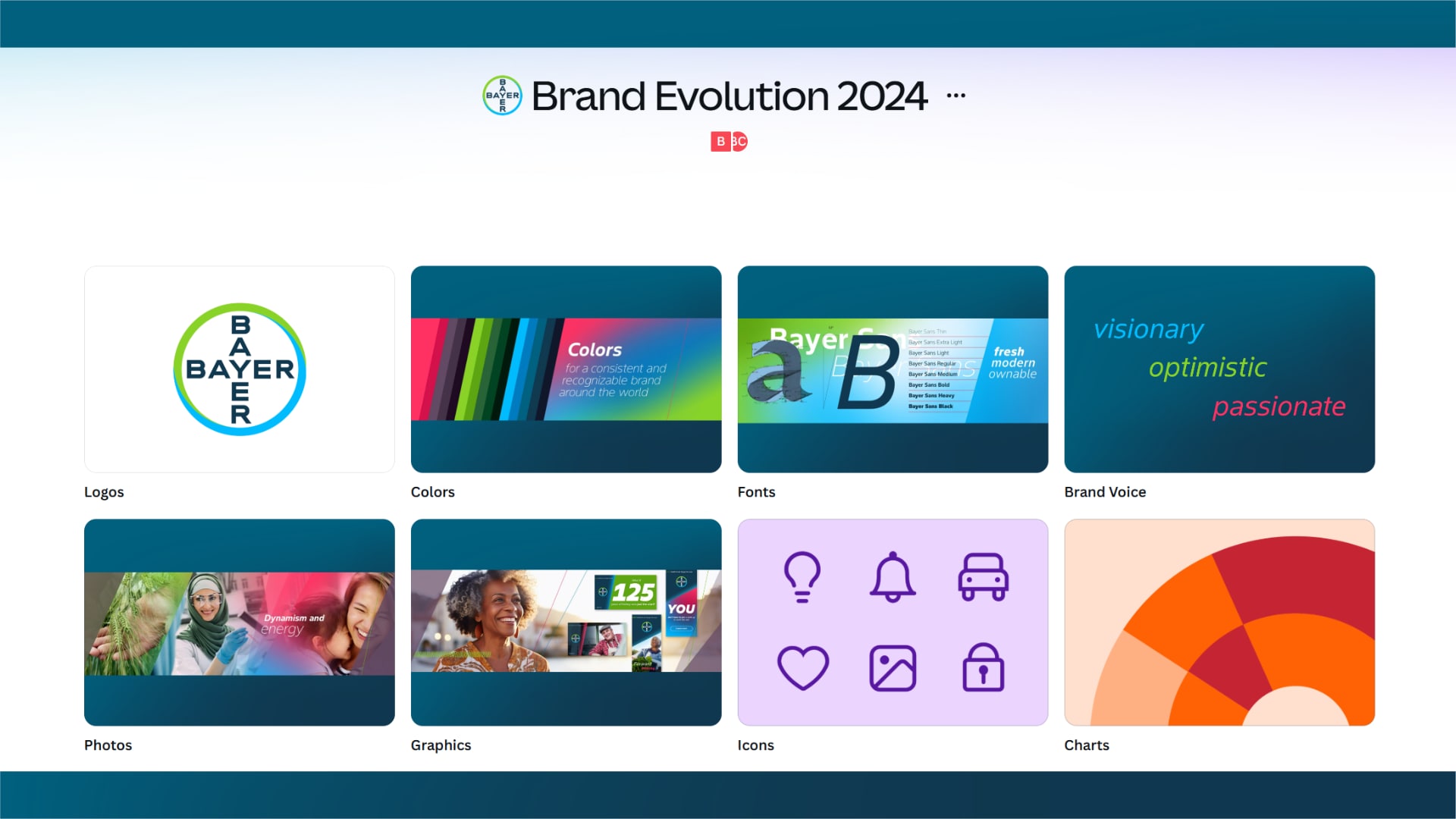
- Logos: Here you can upload the different versions of the Bayer Cross. Here’s a collection of logo versions for screen use in Media Pool that you can simply use to upload to your Brand Kit.
- Colors: Here you can add our Bayer color palette by adding the respective HEX codes that you find here.
- Fonts: The place where you can upload our own corporate type face Bayer Sans.
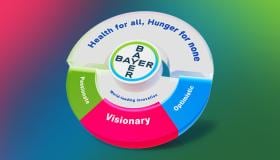
- Brand Voice: Our voice should reflect the attributes of our brand personality: visionary, optimistic and passionate. In this section, you can upload guidance on our brand tonality.
- Photos: If you have certain evergreen images that you would like to reuse, you can upload them in this section. We highly recommend you to check out Media Pool and the recent collections you find on the homepage.
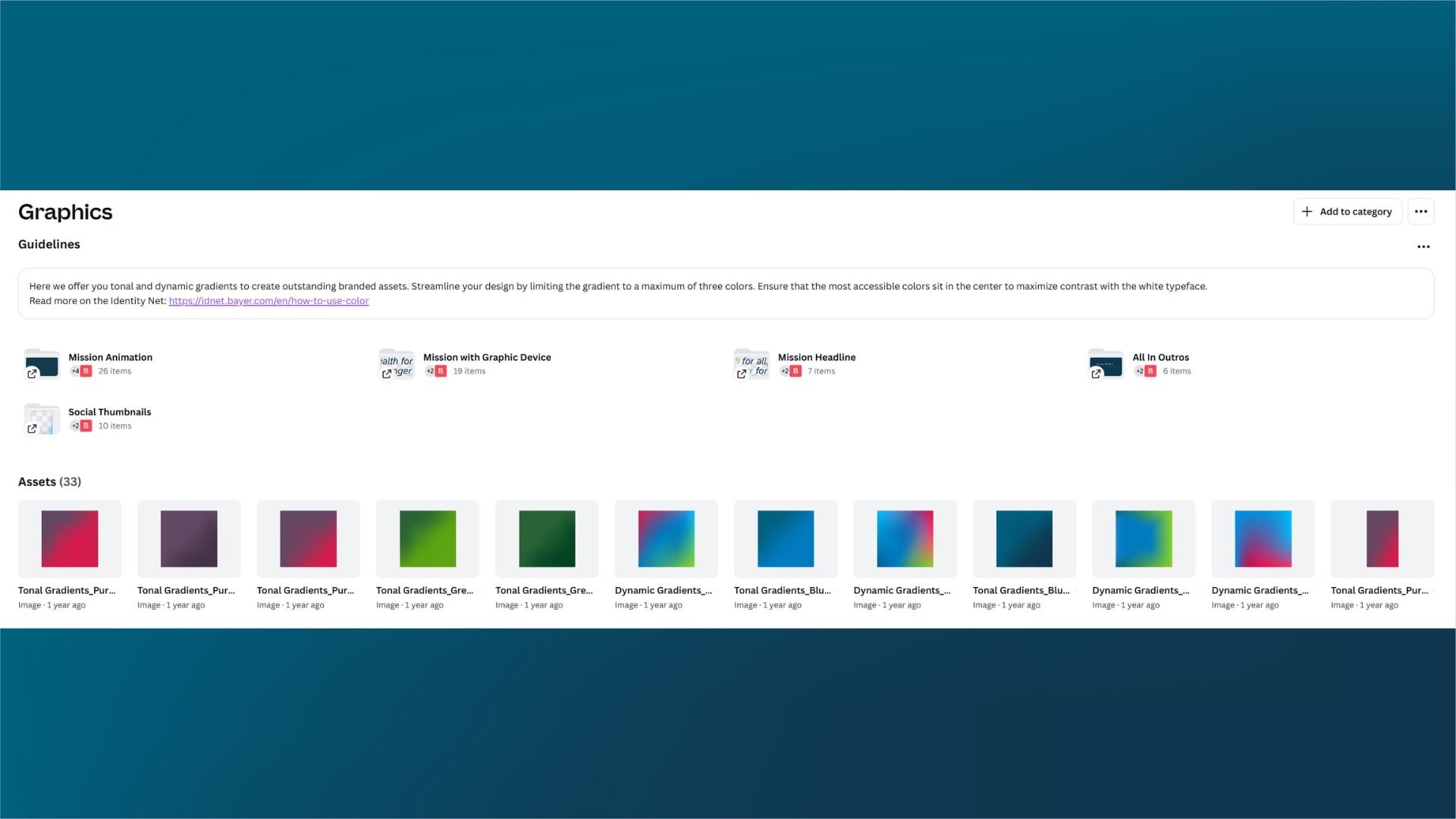
- Graphics: If you have additional materials, for example the gradient layouts, the mission animation, the mission with graphic device, the mission as a headline or other reusable elements, you can upload folders in this section adding the specific categories.
- Brand Templates: With a Pro or Enterprise license, you’re also able to create brand templates. If you’re interested in getting access to certain brand templates, reach out to the Corporate Brand Squad.
Best Practices for Effective Designs
- Keep It Simple: Avoid clutter. A clean design communicates more effectively.
- Choose Quality Images: Utilize our Media Pool to explore images and videos to enhance your designs. Always opt for visuals that align with our messaging.
- Stay On Brand: Leverage our Bayer brand elements and refer to Identity Net for up-to-date brand guidance.
- Tutorials: Learn more about how to use our graphic device or how to use infographics. More learning materials on how to apply our brand you can find in the Brand Academy, the How-to-section and the Brand Skill Camp.
Tools like Canva help us to create professional designs quickly and easily – but it’s our task to ensure these designs reflect our brand identity. When we stay consistent in our brand presence, we strengthen trust, cohesion, differentiation, and brand-driven value creation. The Bayer brand is our most intangible valuable asset and one of the 500 most valuable brands in the world, according to Brand Finance. As of 2025, it is valued at $6.215bn. Read more here.
How to create an account
Canva has been checked and validated by our IT department. There are different license models available – Canva Pro for individuals or Canva Enterprise for larger teams for example – these models offer all functionalities of Canva. If you’re in a team that needs 50 or more licenses, you can consider buying Enterprise licenses and with that receive access to Bayer Brand Kits and Templates. Licenses need to be purchased by team.
- Save this One Pager to have all relevant brand elements at hand
- You don’t have a Canva Pro or Enterprise license? No worries, we got you. Here’s a helpful resource giving you access to our brand elements.
If you have any further questions about this or any other section of Bayer Identity Net, please contact: